Following Seed4J's Main Branch with Seed4J CLI Experimental
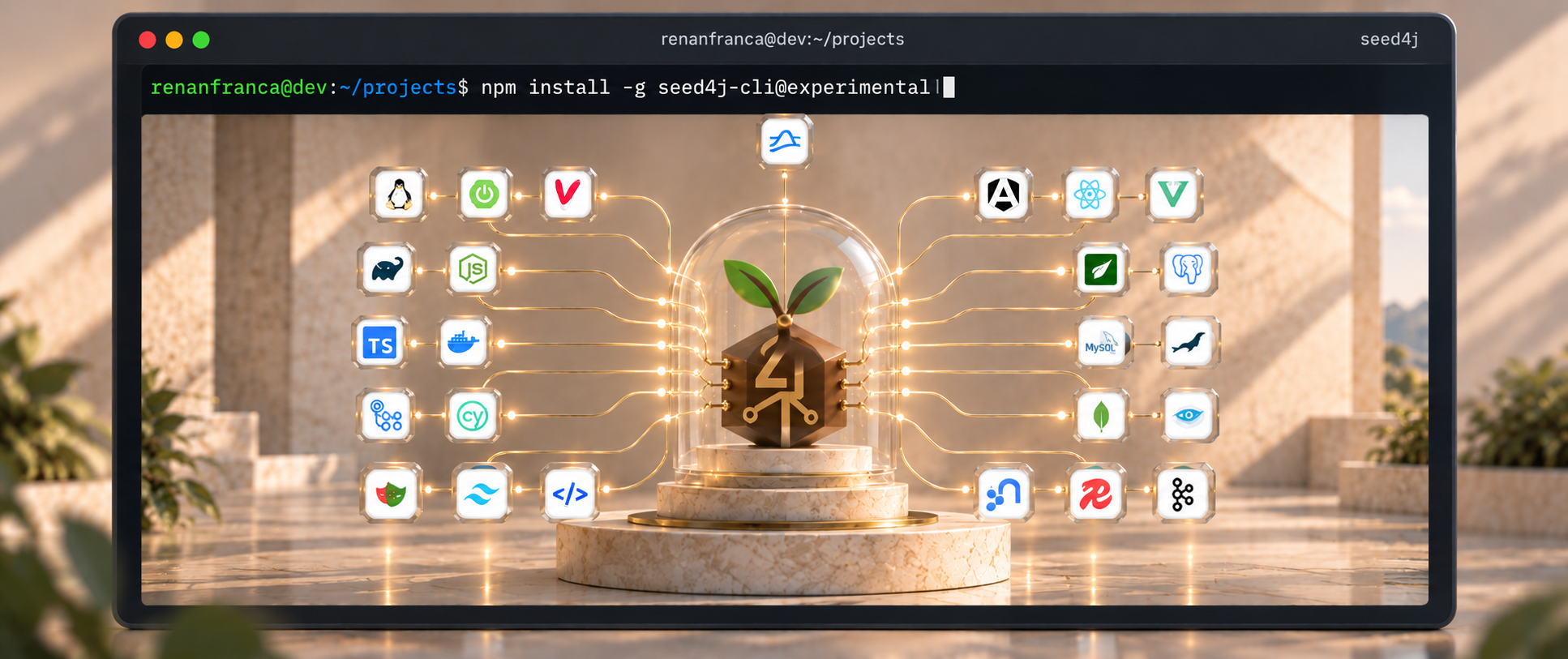
As I mentioned in another post, one of the biggest advantages of Seed4J is that it keeps the dependencies used in generated projects up to date, such as PostgreSQL, MySQL, Maven, Angular, Vue, and so on. This is very important because whenever a version is updated, Seed4J also runs several tests to make sure the tested configurations remain compatible. That way, developers only need to worry about choosing the modules they need and implementing the business logic.
With that in mind, it doesn’t make much sense for the Seed4J CLI to keep using a Seed4J version with older dependencies.
Why do I say that?
Because for those who use Seed4J in their day to day work, one way to get the latest changes is to clone the Seed4J repository and run it directly from main, precisely to get the latest library versions and everything else that has been updated.
So, what did I do?
I decided to create an experimental npm channel for Seed4J CLI.
What does that give us?
Every Monday, a new experimental version of Seed4J CLI can be released based on the latest state of Seed4J’s main branch. In other words, Seed4J CLI can closely follow everything that is new in the project. The publisher runs on a weekly schedule, but a new npm version depends on the validation and release checks passing.
And this is not simply a GitHub Actions workflow that takes main, packages it, and publishes it. There is an entire validation process behind it.
First, the snapshot publisher selects the current commit of Seed4J’s main branch, requires its upstream CI to have passed, and checks whether its snapshot is eligible for publication. A snapshot already published less than 60 days ago is skipped; after that, the same revision can become eligible for a retention refresh.
If it is eligible, the publisher builds that exact revision, runs lint checks and a complete Maven clean verify, and publishes the validated snapshot to Sonatype’s Central Portal snapshot repository. Sonatype provides the repository service; Apache Maven is the build tool used to verify and publish the artifacts. Renovate then proposes that snapshot as a dependency update on Seed4J CLI’s experimental branch, where the CLI build and tests check the integration.
Only after the required tests pass and the exact experimental revision is qualified does the Seed4J CLI publishing flow evaluate a new npm release. And that publishing process itself is also extremely sophisticated: it verifies the build evidence and publishes eligible versions with provenance under the experimental tag. If the commits do not qualify for a release, no new npm version is published.
Try the experimental channel
Make sure Java 25 or higher and Node.js 22 or higher are available, then install the experimental channel:
npm install -g seed4j-cli@experimental
seed4j --version
The version output identifies the experimental channel, the snapshot version, and the exact Seed4J upstream commit used. It gives you a concrete revision to include when reporting an issue.
Here is the actual output from both channels, captured on September 18, 2026 using isolated temporary installations. The npm tags can point to newer versions over time.
Stable (seed4j-cli@latest):
Seed4J CLI v0.1.1
Seed4J version: 2.2.0
Runtime mode: standard
Experimental (seed4j-cli@experimental):
Seed4J CLI v0.2.0-experimental.3
Release channel: experimental
Seed4J version: 2.2.1-main.20260907.055800.4eebd07bce14-SNAPSHOT
Seed4J upstream commit: 4eebd07bce14c9a6ac70bace157fcc616133e950
Runtime mode: standard
The experimental output makes the source revision explicit: this package uses Seed4J built from commit 4eebd07bce14, while the stable package uses Seed4J 2.2.0.
To return to the stable channel:
npm install -g seed4j-cli@latest
This is an unofficial integration channel that I maintain for experimentation, without endorsement or support from the Seed4J maintainers. Snapshots have limited retention, and the seed4j-extension generation module is unavailable in this channel. For production generation workflows, use stable. The experimental channel documentation explains the support boundaries, retention, and release process in more detail.
Comments on this blog